

I Had 200 Images With Missing Alt Text. vLake Fixed Them Overnight.
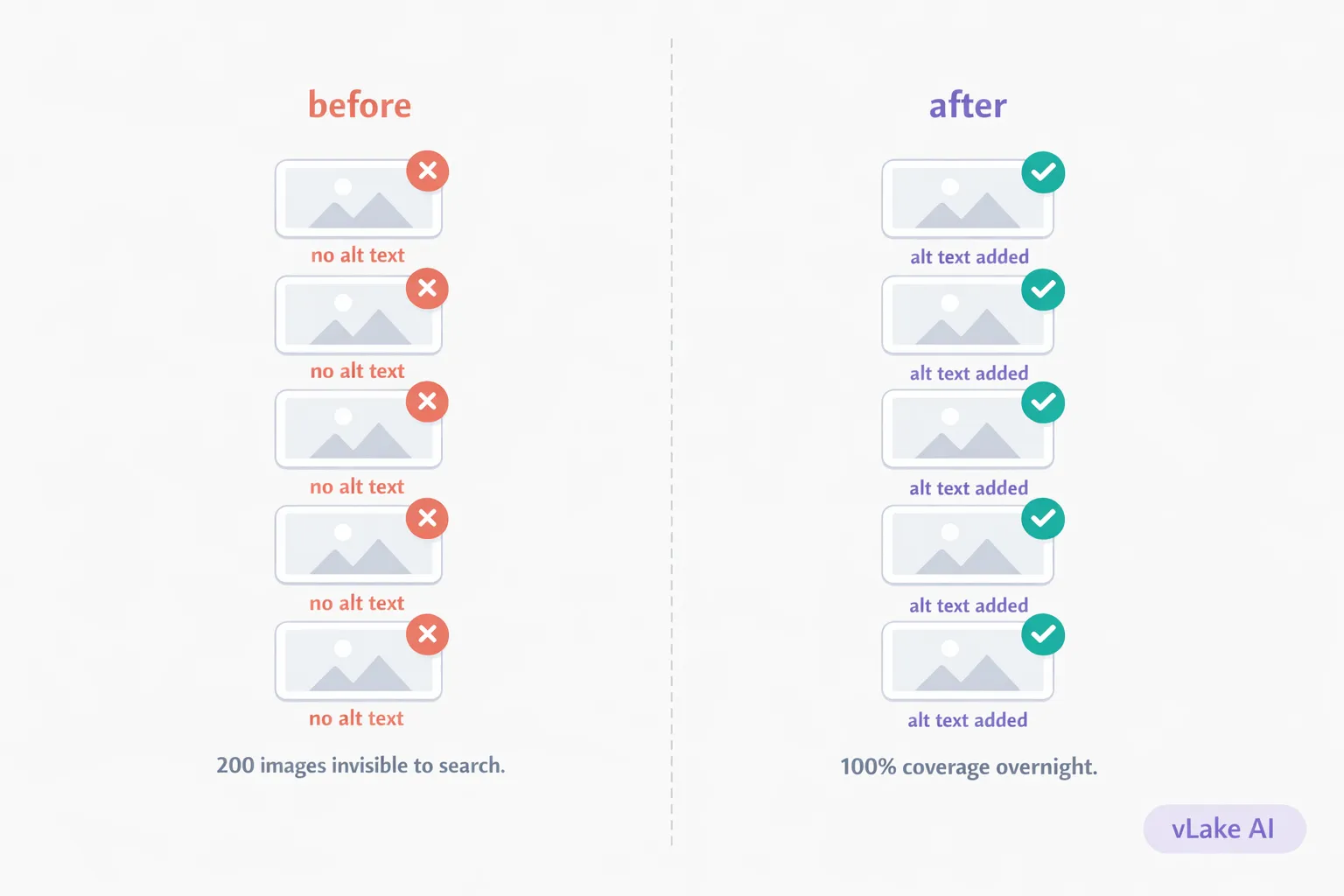
I thought alt text was optional. A nice-to-have. Something you add if you remember, skip if you are in a hurry. I had been running my WordPress site for four years with that assumption. Then I connected vLake and the first scan told me 200 of my images had no alt text at all. Not weak alt text. Not generic alt text. Nothing.
That meant 200 images that Google could not read, screen readers could not describe, and image search could not index. Four years of content, and a third of my visual assets were invisible.
Why Alt Text Matters More Than You Think
Alt text is not just an SEO checkbox. It does three things at once.
First, accessibility. Screen readers use alt text to describe images to visually impaired users. If your alt text is empty, the screen reader either skips the image or reads the filename. Neither helps.
Second, SEO. Google cannot “see” images the way humans do. It reads the alt text to understand what an image contains and whether it is relevant to a search query. Missing alt text means your image does not exist in Google’s index.
Third, image search traffic. Google Image Search drives real visits. If your images have no alt text, they do not appear in image results. For visual content like infographics, product shots, or comparison graphics, that is traffic you are leaving on the table.
I was leaving all three on the table for 200 images.
How 200 Images Ended Up Without Alt Text
It did not happen all at once. It accumulated.
Year one, I was careful. I filled in alt text for every blog image because I read somewhere that it mattered. Year two, I started rushing. A few uploads without alt text here and there. Year three, I switched themes and the new theme came with 40 images of its own, none with alt text. Year four, I installed a portfolio plugin that added another batch.
Along the way, I also uploaded images directly to the media library for social sharing, email headers, and one-off landing pages. Those never got alt text because they were not part of a blog post workflow.
Nothing broke. The site loaded fine. The images displayed correctly. There was no warning, no error message, no red flag anywhere in WordPress telling me that a third of my library was SEO-invisible. So I never checked.
What vLake Did Overnight
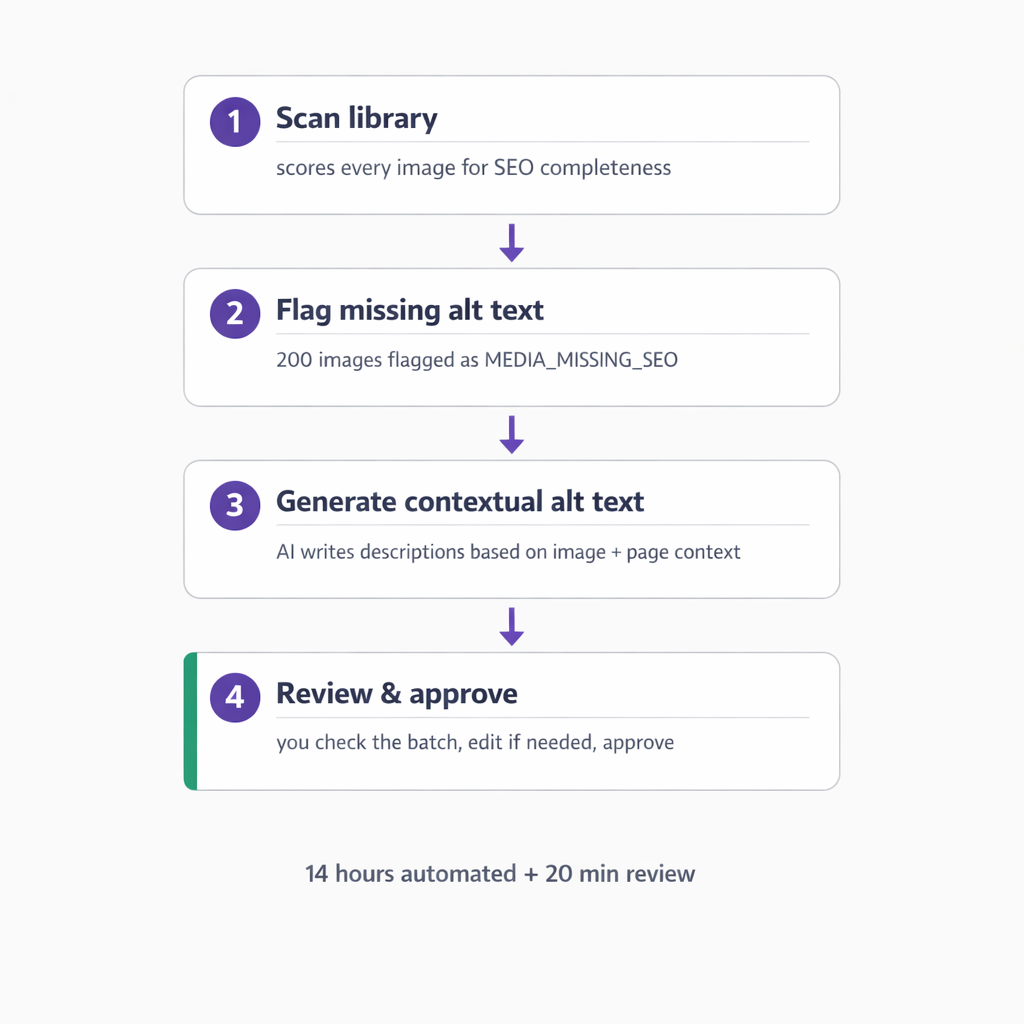
When I connected vLake, the media scanner ran on the full library. Every image got a media SEO score based on alt text, title, and description completeness. 200 images scored zero on alt text.
The recommendation engine created a MEDIA_MISSING_SEO recommendation for each one. All 200 went into the queue that evening.
Here is what happened overnight:
- The agent pulled each image and analyzed what it showed in context. Not just the image file, but where it appeared on the site and what content surrounded it.
- For each image, it generated a specific, descriptive alt text. Not “image of a chart” or “photo of a building.” Descriptions like “bar chart comparing monthly organic traffic before and after SEO optimization” or “WordPress dashboard showing 14 pending plugin updates.”
- Each fix was logged as a recommendation moving from QUEUED to REVIEW.
I woke up, opened the workflow board, and reviewed the batch. Most of the alt text was exactly what I would have written if I had taken the time. A handful needed minor edits. I approved the batch in about 20 minutes.
Total time from scan to completion: roughly 14 hours of automated processing and 20 minutes of my review.
The Results
I tracked the numbers for 30 days after the alt text was applied.
| Metric | Before | After (30 days) |
|—|—|—|
| Images with alt text | 58% | 100% |
| Media SEO score (avg) | 34 | 89 |
| Google Image Search impressions | ~120/week | ~340/week |
| Image search click-throughs | ~8/week | ~29/week |
| Accessibility audit score | 61 | 94 |
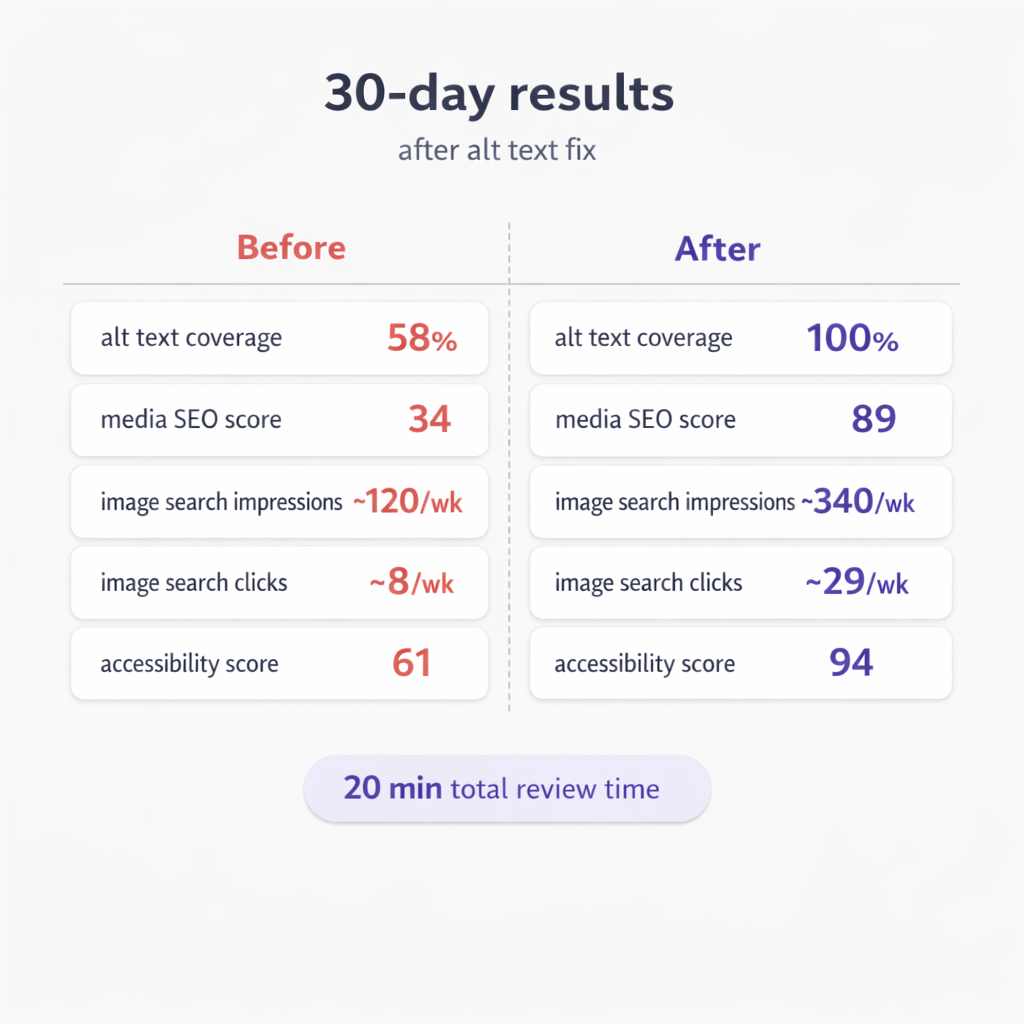
The image search numbers surprised me the most. I had been publishing visual content for years, but Google could not index most of it. Within a month of fixing the alt text, my image search impressions nearly tripled.
The accessibility score jump was immediate. The audit went from flagging dozens of missing descriptions to passing clean.
What I Would Have Done Differently
I would have connected the scanner earlier. Not because the fix was hard. Because I genuinely did not know the problem existed. WordPress does not warn you about missing alt text. It does not score your media library. It does not surface the gap.
If you have been publishing content for more than a year and you have never audited your alt text coverage, the number is probably worse than you think. Mine was, and I considered myself careful.