

Why I Stopped Writing WordPress Blogs Manually — and What I Use Instead
I used to think the hard part of blogging was writing. Coming up with the ideas, finding the right words, getting the structure to flow. That’s where all the creative energy goes, right?
No. Not even close.
Writing is maybe 40% of publishing a blog post on WordPress. The other 60% is the stuff nobody warns you about. And that invisible grind is what finally made me stop doing it by hand.
The Part Nobody Talks About
Here’s what actually goes into getting a single blog post live on a WordPress site.
You write the post. That takes an hour, maybe two if it’s a longer one. Fine. Then you open WordPress and start formatting. Block editor, headings, spacing, pull quotes if you’re feeling fancy. Another twenty minutes, assuming nothing breaks.
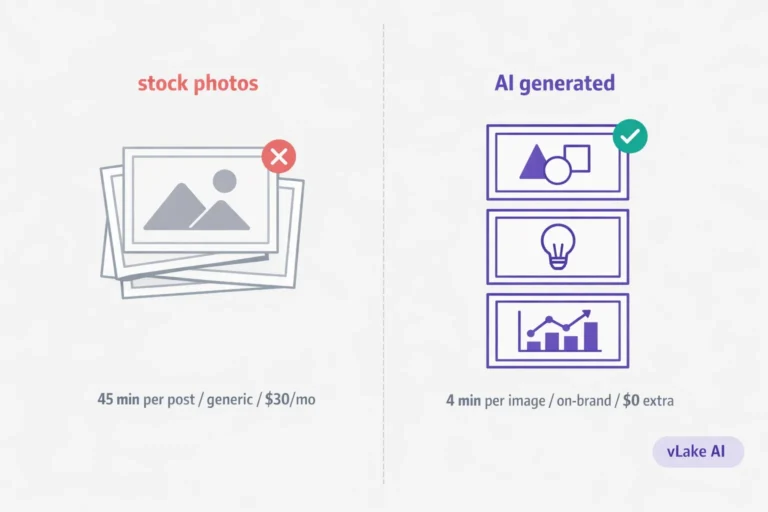
Then the image work starts. You need a featured image. If you don’t have a designer, you’re either browsing stock photo sites for something that vaguely fits or trying to make something in Canva. That’s another thirty minutes at minimum. Then you need alt text for it. And a caption. And you should probably compress it so it doesn’t tank your page speed.
Then SEO. Open Rank Math or Yoast. Write a meta title. Write a meta description. Pick a focus keyword. Check the score. Adjust the title because the score is too low. Rewrite the meta description because it’s two characters over the limit. Check internal linking suggestions. Add a link or two.
Then categories and tags. Pick the right ones or create new ones because you never set up a proper taxonomy to begin with.
Then the featured image needs to be set in the sidebar. And the URL slug needs to be edited because WordPress auto-generated something ugly.
By the time you hit publish, you’ve spent three and a half hours on a single post. An hour and a half of that was writing. The rest was production overhead.
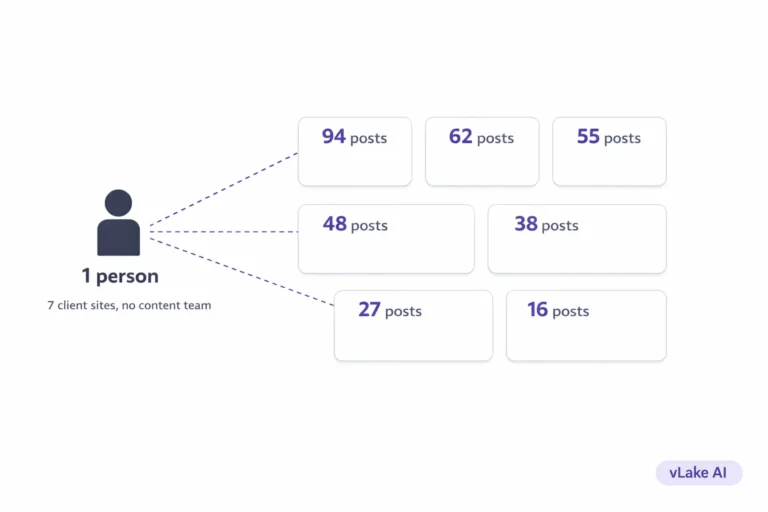
Multiply that by the three or four posts a week you’re supposed to be publishing for SEO, and you’ve burned an entire workday on blog logistics. Every week.
What Finally Broke the Pattern
I kept telling myself I’d build a system for it. Batch the image work. Template the SEO metadata. Create a checklist so I’d stop forgetting steps.
None of that worked. The checklist got longer. The batching fell apart after two weeks because I’d forget which posts still needed images and which ones had bad meta descriptions.
The thing that actually changed was when we started using vLake on our own site. We’d built it for our users, but we were still doing our own content manually. Classic cobbler’s children situation.
The first time I queued a blog post through the pipeline and it came back with the content written, the layout structured, the HTML formatted for WordPress blocks, a featured image generated, and the SEO metadata filled in, I sat there for a second and thought about all those Thursday afternoons I’d spent doing that same work by hand.
I didn’t go back to manual after that.
What the Workflow Looks Like Now
I give vLake a title, a target audience, and sometimes a few header suggestions if I want to steer the structure. That’s my input. Everything else is handled by the pipeline.
The content goes through three stages. First the AI writes the raw body. Then it arranges the layout and places images (either from our media library or generated fresh). Then it converts the whole thing to WordPress block HTML.
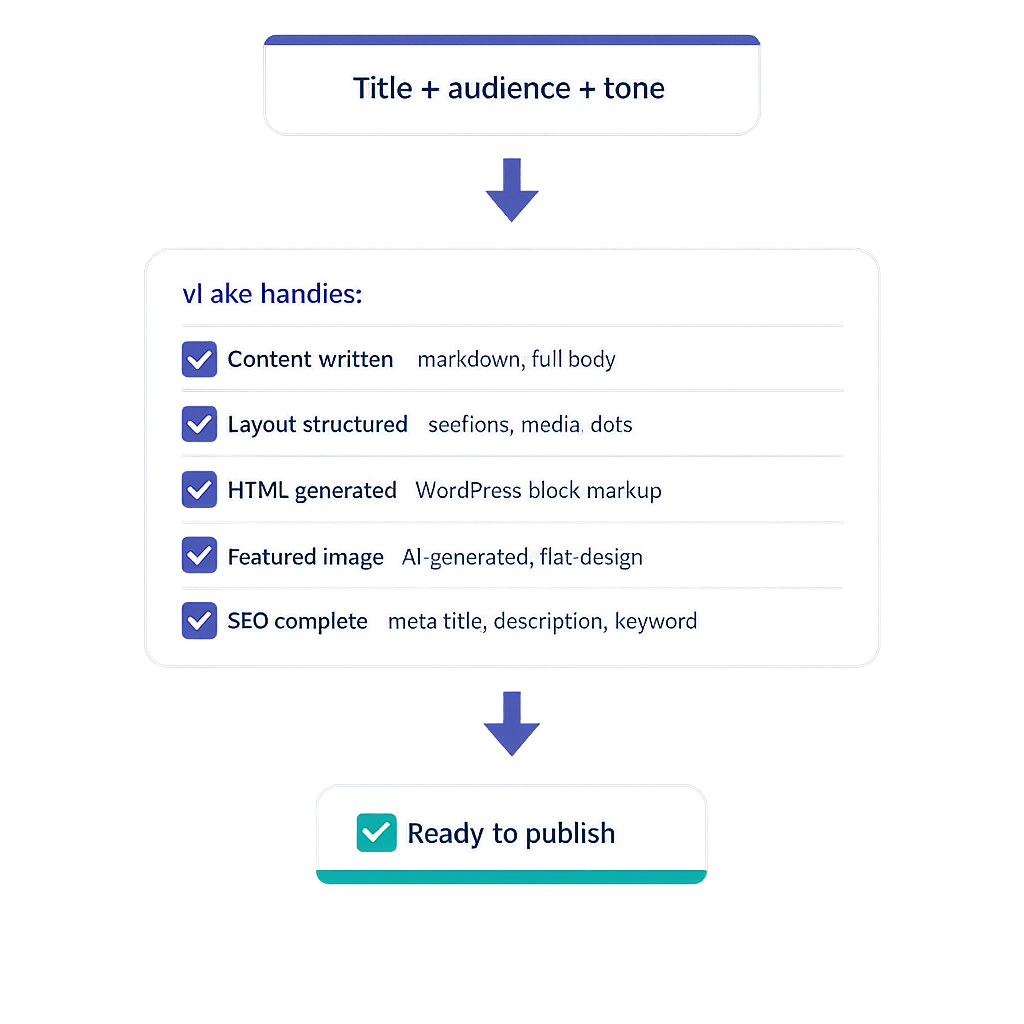
When I say “ready to publish,” I mean actually ready. Not a Google Doc that needs to be copy-pasted and reformatted. Not a draft with placeholder images. A complete post with headings, paragraphs, media placements, and clean block markup.
The featured image gets generated automatically. I set our style to flat design months ago and every post since then has had a consistent look. Before that, half our posts had no featured image at all because I’d run out of time and published without one.
SEO metadata is written as part of the generation. Meta title, meta description, focus keyword. All done. I don’t open Rank Math to manually fill those fields anymore. When I check the scores afterwards, they’re consistently in the 70s and 80s. My manually written metadata used to score in the 50s because I’d rush through it at the end of a long editing session.
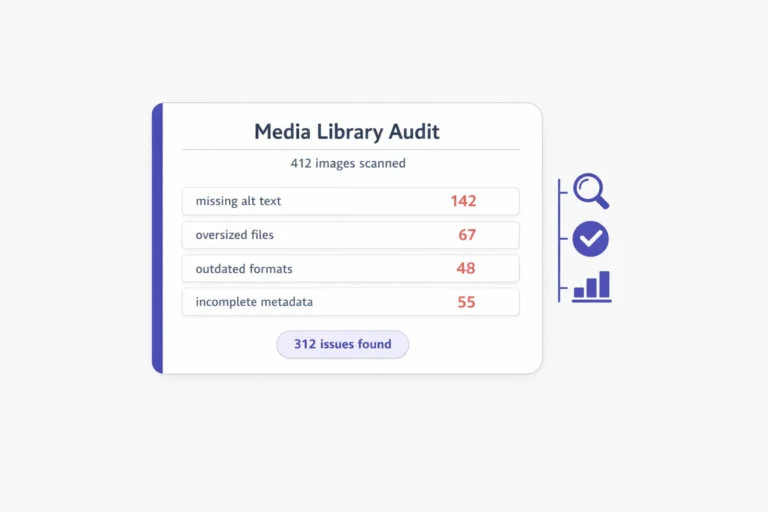
The part that surprised me most was how much time I got back from not doing the small stuff. Alt text on images. URL slugs. Category assignments. None of those tasks take long individually, but they add up to an hour per post. vLake handles all of it.
I still review every post before it goes live. Usually takes ten to fifteen minutes. I scan the content for accuracy, check that the tone matches our voice (mimic mode handles most of this automatically), glance at the SEO metadata, and approve it. That’s it.
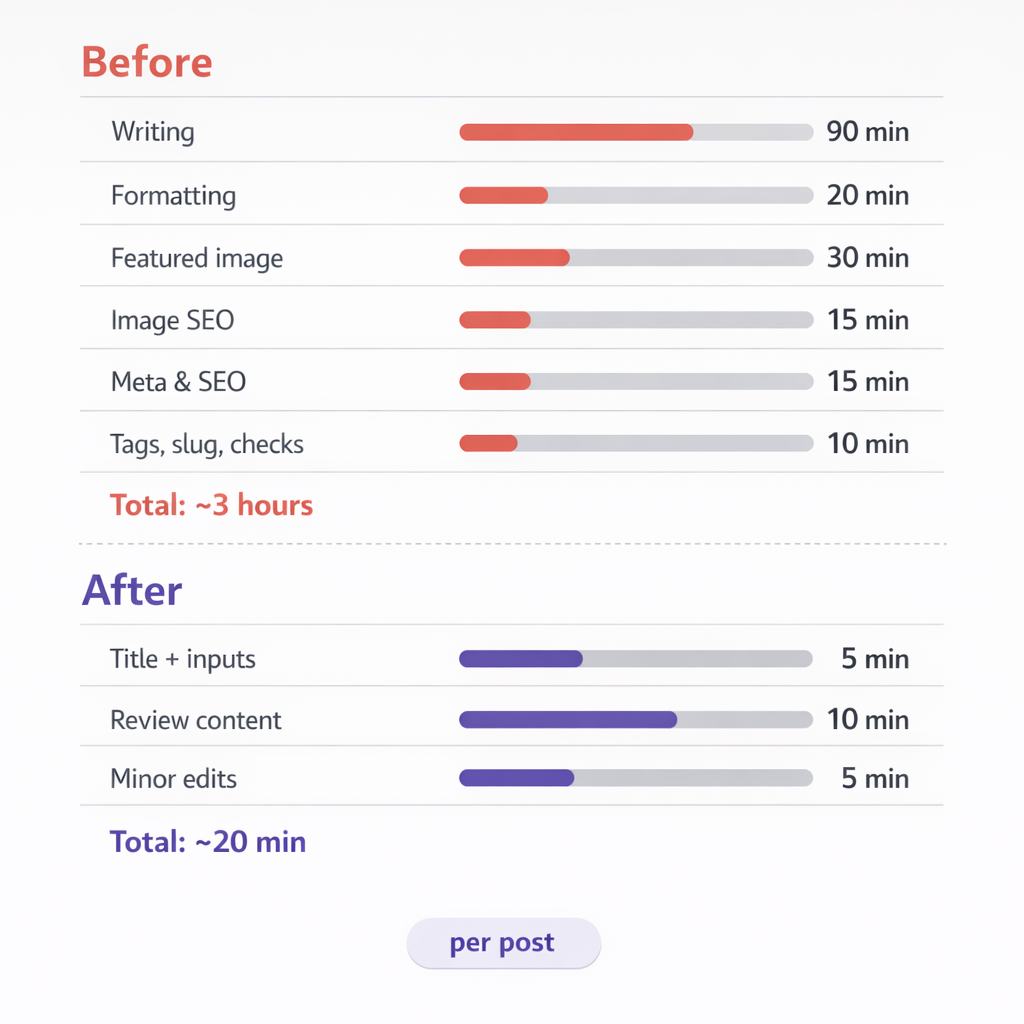
My Time Per Post: Before and After
I tracked this for a month to see where the time actually went.
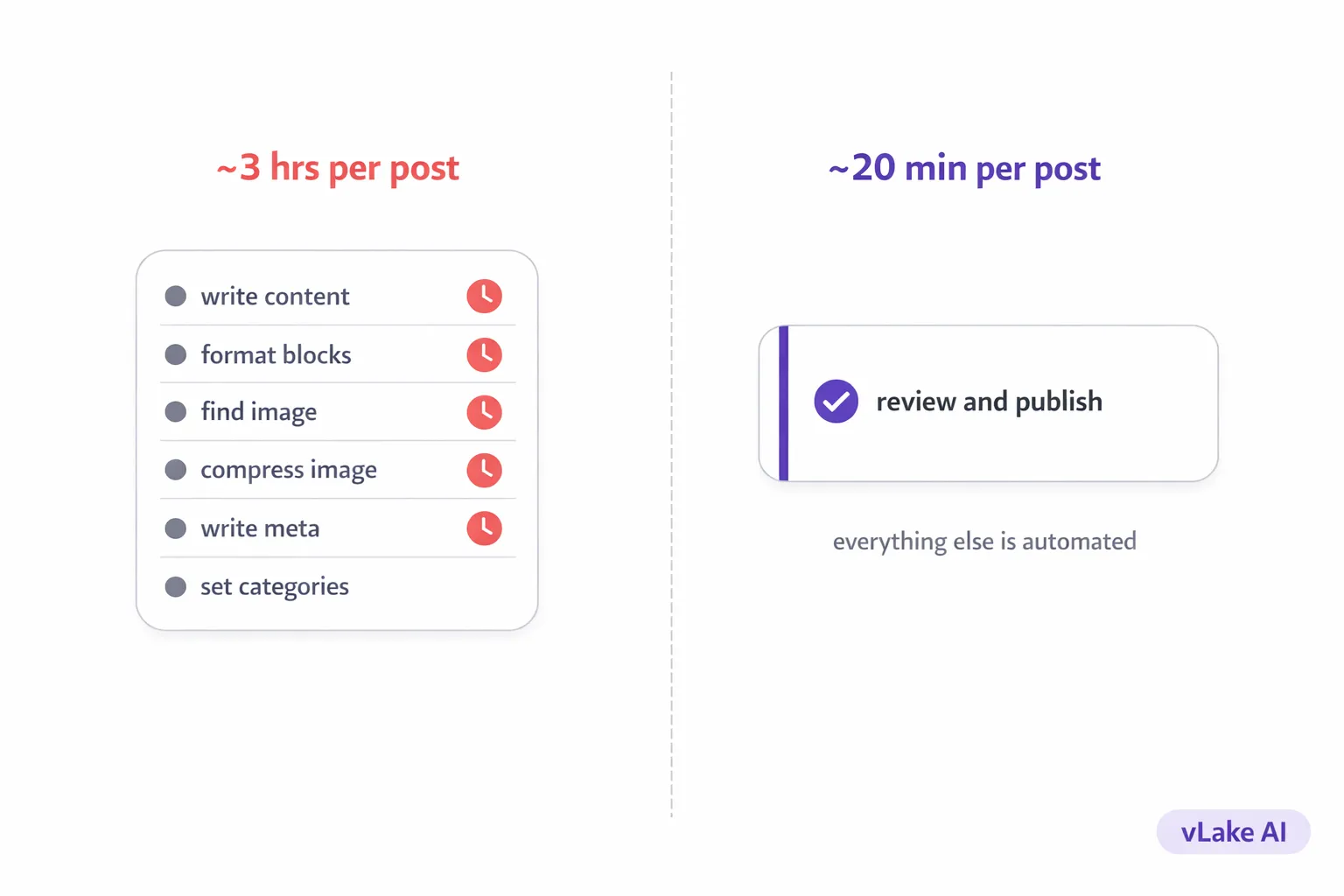
Before (manual workflow):
- Writing: ~90 minutes
- Formatting in WordPress: ~20 minutes
- Featured image (sourcing or creating): ~30 minutes
- Image compression, alt text, captions: ~15 minutes
- SEO metadata (Rank Math): ~15 minutes
- Categories, tags, slug, final checks: ~10 minutes
- Total: ~3 hours per post
After (vLake pipeline):
- Title planning and inputs: ~5 minutes
- Reviewing generated content: ~10 minutes
- Minor edits if needed: ~5 minutes
- Total: ~20 minutes per post
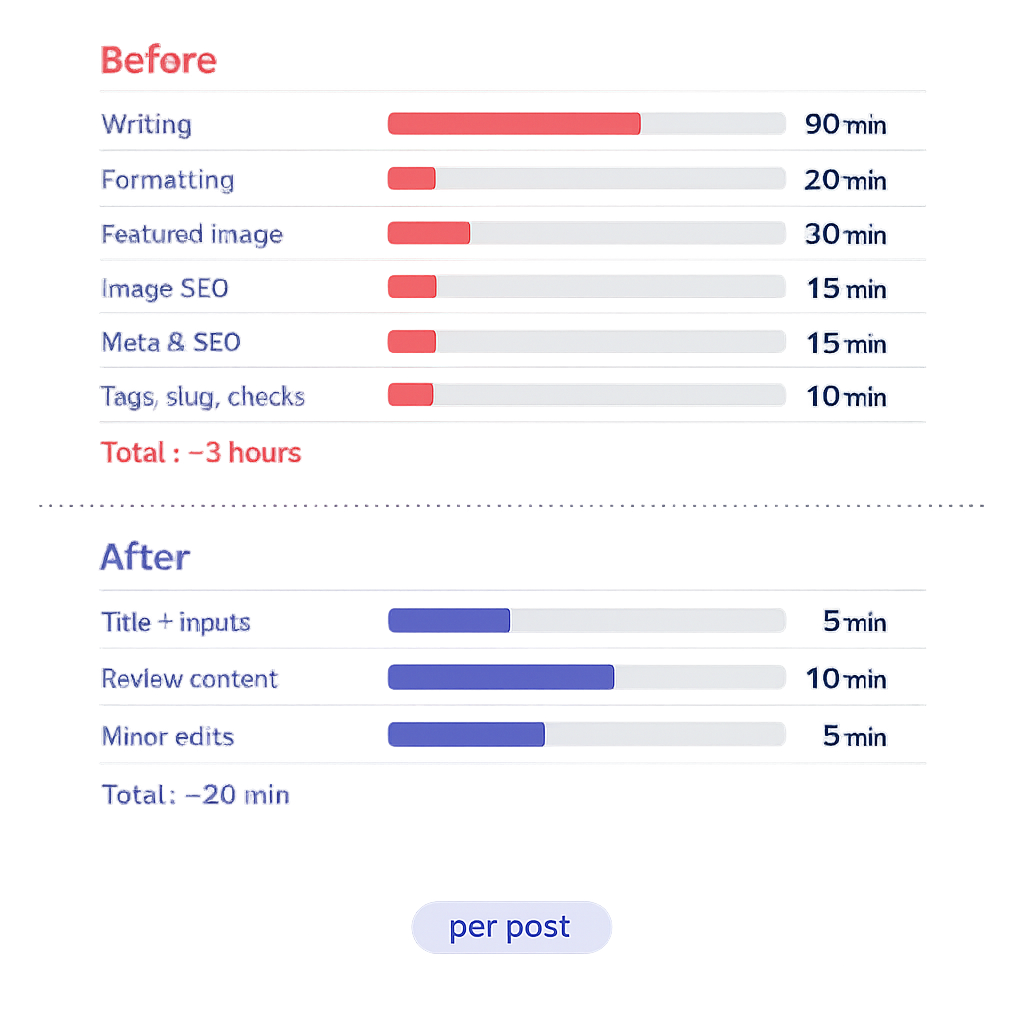
That’s not a productivity improvement. That’s a different job. I went from spending 12 hours a week on four blog posts to spending about 80 minutes on the same four. The posts are more consistent, the SEO is better, and every single one has a featured image and complete metadata.
What This Changes Day to Day
The most obvious change is time. I have my Thursday afternoons back. But the less obvious change is mental load. I don’t carry around a running list of posts that need images, or meta descriptions that need rewriting, or alt text that’s still missing.
All of that runs through a recommendation queue. vLake flags what needs attention, I review it, and it gets done. The invisible publishing grind that used to eat my weeks just doesn’t exist anymore.
I still write sometimes. When I have a personal take I want to get exactly right, or when a topic is too nuanced for AI to nail on the first pass. But I write because I want to, not because there’s no other option.
That’s the actual difference. I stopped writing blogs manually because the manual part was never the writing. It was everything around it.